Bosk for macOS
A small, fast browser that stays out of your way.
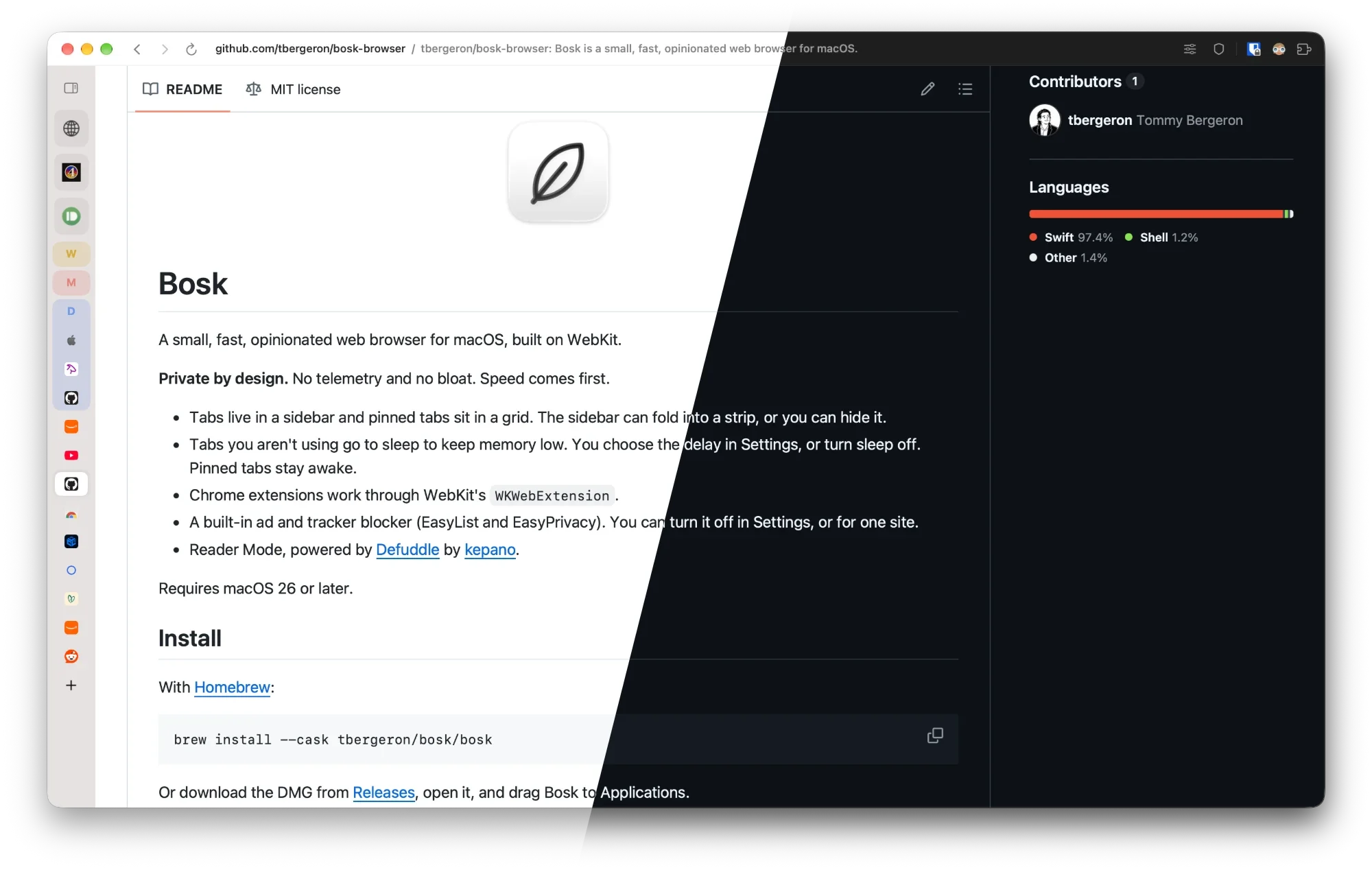
Bosk is a web browser for the Mac, built on WebKit. Tabs live in a sidebar, a command bar puts every tab, page and action a few keystrokes away, and tabs you are not using go to sleep so your Mac stays quick. There is no telemetry and no account.
Free & open source Requires macOS 26 or later.
Everything Bosk does
Bosk stays small on purpose. Every feature has to earn its place, and speed and low memory come first.
A sidebar that stays organized
- Vertical tabs in a sidebar that folds into a thin strip
- Pinned sites as a grid of icons at the top
- Tab groups with a name and a color, which you can fold
- Windows and tabs come back when you relaunch
- Reopen a closed tab with ⇧⌘T
Everything from the keyboard
- One command bar for addresses, searches, tabs, history and bookmarks
- Run any menu command by name with ⌘P
- Type a few letters and it offers the site you usually visit
- Switches to a tab you already have open instead of opening a copy
- Jump to a tab with ⌘1 to ⌘8, or the last one with ⌘9
Light on memory
- Idle tabs go to sleep after 30 minutes, or the time you choose
- Tabs sleep sooner when your Mac runs low on memory
- Pinned tabs, calls and playing audio or video stay awake
- A download under 5 MB
- Reader mode strips a long article down to the text, with ⇧⌘R
Nothing leaves your Mac
- Bosk collects nothing about you
- History, tabs and settings stay on your Mac
- Ads and trackers blocked out of the box, with EasyList and EasyPrivacy
- Allow ads on one site with a single switch
- Open source under the MIT license
Command bar
One bar for tabs, history and commands
Press ⌘T and a bar opens over the page. Type an address or a search, and the rows below offer the sites you visit, your bookmarks and the tabs you already have open. Pick an open tab and Bosk switches to it rather than opening a second copy.
The same bar lists your tabs, your history and your bookmarks, and filters them as you type. Press ⌘P and it lists every command in the menu bar, with its shortcut, so you can run anything by name.
- New tab or search ⌘T
- Search commands ⌘P
- Search open tabs ⇧⌘A
- Show all history ⌘Y
- Fold the sidebar ⌘S
- Reader mode ⇧⌘R
- Reopen closed tab ⇧⌘T
- Go to tab 1 to 8 ⌘1 to ⌘8
- Go to the last tab ⌘9
- 1 tab open 197 MB
- 30 tabs, 29 asleep 262 MB
- 26 tabs awake 2,373 MB
Tab sleep
Leave a hundred tabs open
A tab you have not touched in 30 minutes goes to sleep. Its web process ends, so it uses almost no memory, and Bosk keeps a snapshot of the page. Click it and the snapshot shows at once while the page loads again behind it.
Bosk never puts a tab to sleep if that would lose what you are doing: the tab on screen, a pinned site, a call, a video that is playing or a form you have not sent yet. When macOS runs short on memory, other tabs sleep after 5 minutes instead. You can change the time, or turn sleep off, in Settings.
Extensions
Bring your Chrome extensions
Bosk runs Chrome extensions through WebKit. Open the Chrome Web Store, press the store's install button, and the extension installs into Bosk.
Your extensions sit in the Bosk toolbar. Each one uses some memory, so install the ones you need.
- Open the Chrome Web Store 1
- Find the extension you want 2
- Press the store's install button 3
- It appears in the Bosk toolbar 4
Questions
Is Bosk free?
Yes. Bosk is free to download and open source under the MIT license. The code is on GitHub.
Which Macs does it run on?
Bosk needs macOS 26 or later. Download the latest release from GitHub, open the disk image and drag Bosk to your Applications folder. Bosk updates itself: use Check for Updates in the Bosk menu.
Is Bosk based on Chromium?
No. Bosk is built on WebKit, the same engine as Safari. It uses the web engine that already ships with macOS, which is why the download is under 5 MB.
Can I use my Chrome extensions?
Yes. Bosk runs Chrome extensions through WebKit. Install them from the Chrome Web Store with the store's own install button, and they show up in the Bosk toolbar.
Does Bosk collect any data?
No. Bosk has no backend and needs no account. Your history, tabs and settings stay on your Mac. The one request Bosk makes by itself is to download the ad blocker's filter lists from easylist.to once a week, with no cookies and nothing about you in it.
What happens when a tab goes to sleep?
Its web process ends, so it uses almost no memory. The tab stays in the sidebar with a snapshot of the page. Click it and the snapshot shows at once while the page loads again. Tabs on screen, pinned sites, calls, playing media and forms with unsent text never sleep.
How do I report a bug or ask for a feature?
Open an issue on GitHub. Fixes, speed and memory gains, and polish are welcome as pull requests. For a large new feature, open an issue first so we can agree it fits a browser with no bloat.
Try Bosk
Free, open source and a download under 5 MB. Get the latest release for macOS 26 or later.